Always Included
Products

Ask anything about your company. Get the right answer in seconds — pulled directly from your tools, docs, and conversations. No searching, no tab-switching, no waiting for someone to reply.

Answers are useful. Completed work is better. Actions researches, writes, updates systems, and delivers files — inside the tools your team already uses. One request → real output.

A new request comes in. Pulse reads it, structures it, assigns it to the right team, and sets the priority — before anyone opens a browser. Your teams focus on delivery, not administration.

Company AI Chat
Ask anything about your company — Pulse pulls the answer from your docs, tickets, and conversations in seconds.
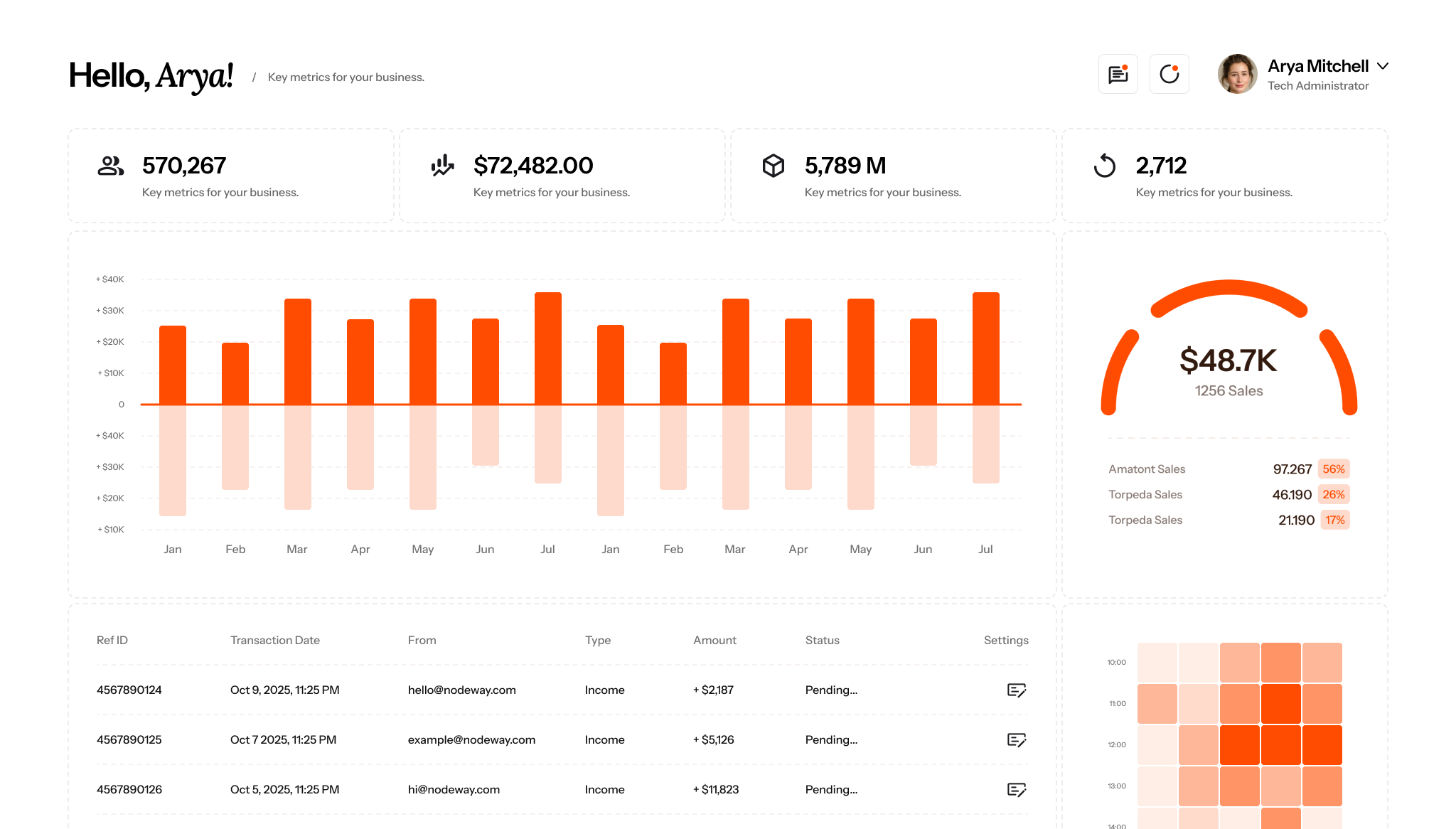
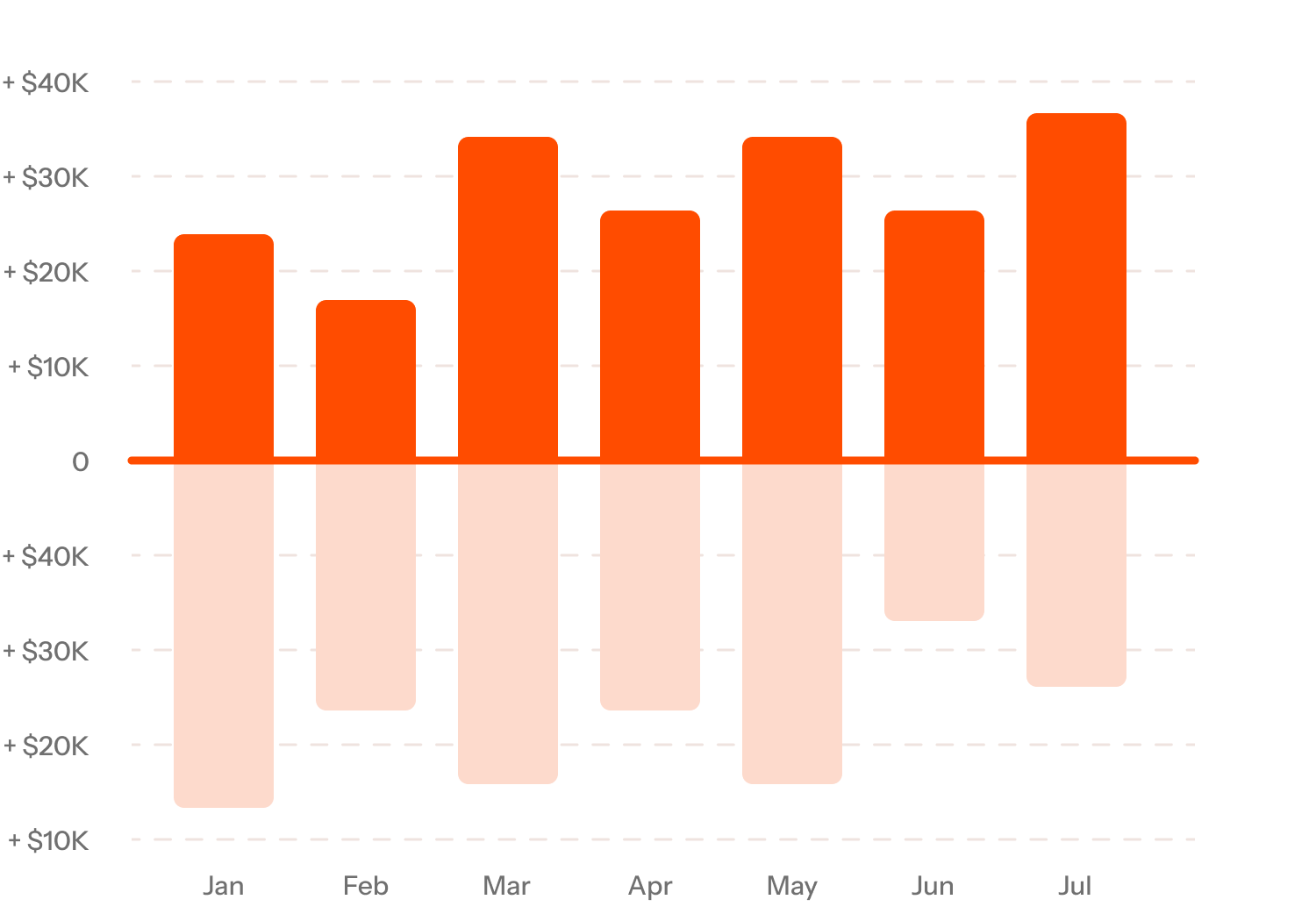
Real-time Dashboard
One screen. Every signal that matters. No digging through reports or waiting for someone to compile them.
Client Insights
Pulse tracks sentiment, response times, and engagement — and tells you which clients are happy, at risk, or ready to grow.
Integrations
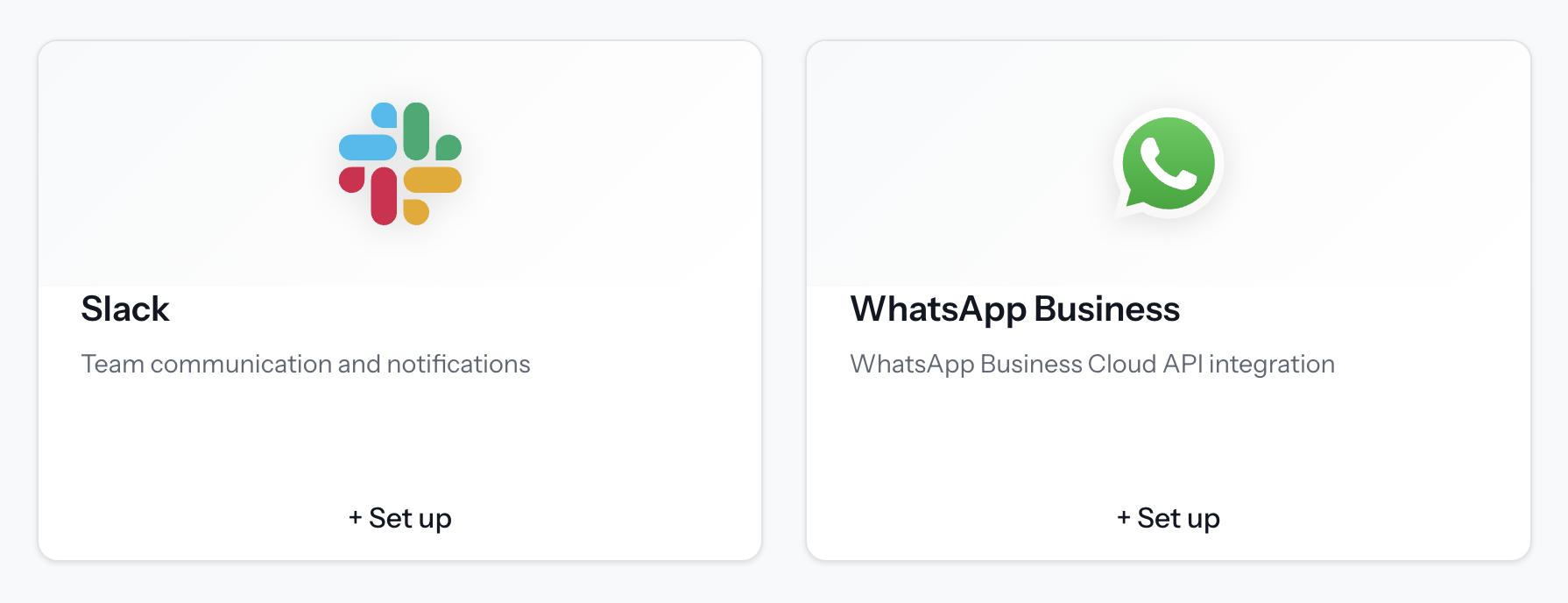
Slack, Jira, Confluence, Salesforce, and more — connected in minutes, synced continuously, secure by default.
Wide Integration Support
Connect with a broad range of platforms to keep your data accessible in one place.
Fast & Simple Setup
Enable integrations quickly without complex configuration or development effort.
Scales With Your Stack
Add new integrations as your tools and workflows evolve.
FAQ

Actions is the execution layer of Pulse. While the base Pulse chat is read-only and focused on answering questions, Actions can take the next step — turning insights into completed work by creating files, updating systems, and moving tasks forward automatically.
Actions can produce deliverables (reports, Excel files, PDFs), update tools like Jira, CRM, Email, Slack or Teams, schedule follow-ups, and run multi-step workflows end-to-end — not just drafts or suggestions.
Actions is context-aware. It understands your data, workflows and decisions, adapts to real situations, and handles multi-step work end-to-end — rather than triggering rigid, predefined automations.
You’re always in control. Actions can run in different modes — suggest, draft, execute, or autopilot. You decide when human approval is required, who can run actions, and which tasks can be automated.
AI agents talk about work. Task managers track it. Workflow tools automate fixed steps.
Actions delivers outcomes.
It executes work across tools, handles multi-step processes end-to-end, adapts when information is missing or changes, and keeps systems aligned — without requiring you to design or maintain fragile workflows.
Actions identifies the right owner, asks the missing questions, and returns with a clear update and next steps. If needed, it can open tickets, notify stakeholders or escalate according to your rules.